
How do I add Hey Lady! events to a different Google Calendar?
Only one Gmail account can be connected at a time so that you can add events to your Google Calendar.
If you've already connected your Hey Lady! account to one and want to change to a different Google Calendar account, you must remove your current account first. There are 2 ways to do this:
METHOD 1. Remove your calendar from Gmail
- Open Google Calendar.
- In the top right, click Settings.


- In the left column, select the calendar you want to remove.
- Click Remove calendar.
- Click Unsubscribe.
- Click Remove calendar.
METHOD 2. Remove Hey Lady!'s access from your Gmail account
- In Gmail, click your profile photo on the top right corner
- Select Manage Your Google Account
- Go to Security on the left-hand menu
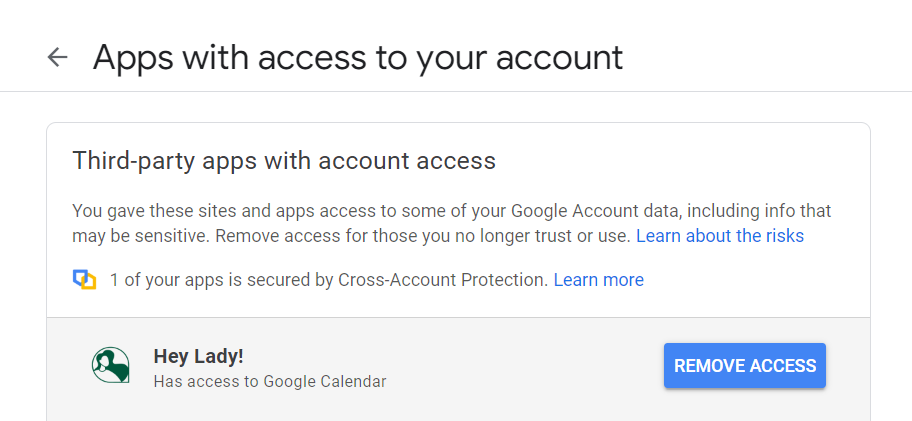
- Go to the section Third-party apps with account access and click Hey Lady!
- Click Remove access.
After you have removed your current Gmail account, connect your Hey Lady! account to the other Gmail account as per these instructions.
Updated on: 17/06/2026
Thank you!