
How do I add or remove members from my group chat?
Instructions on how to add a member to your group chat in Hey Lady!
- Go to the Chat feature and find and open your group chat.
- Click the 3 dots.
- Click Group Info
- Click the Add members button.
- Type the lady's name, find and selected them.
- Click Add members.
Instructions on how to remove a member from your group chat in Hey Lady!
- Go to the Chat feature and find and open your group chat.
- Click the 3 dots.
- Click Group Info.
- Find the member's name and click the Bin icon.
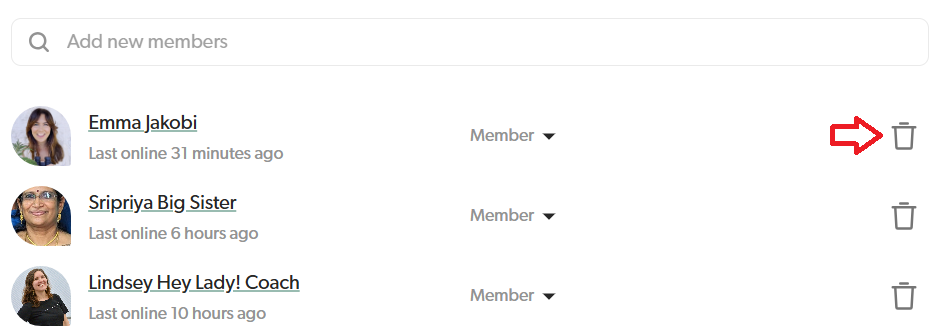
- Confirm that you want to remove the member by clicking Remove a second time.
Updated on: 18/06/2026
Thank you!