
How do I create a group chat?
Instructions on how to create a group chat inside Hey Lady!
- Inside the Chat feature, click either of the + green buttons to create a new chat
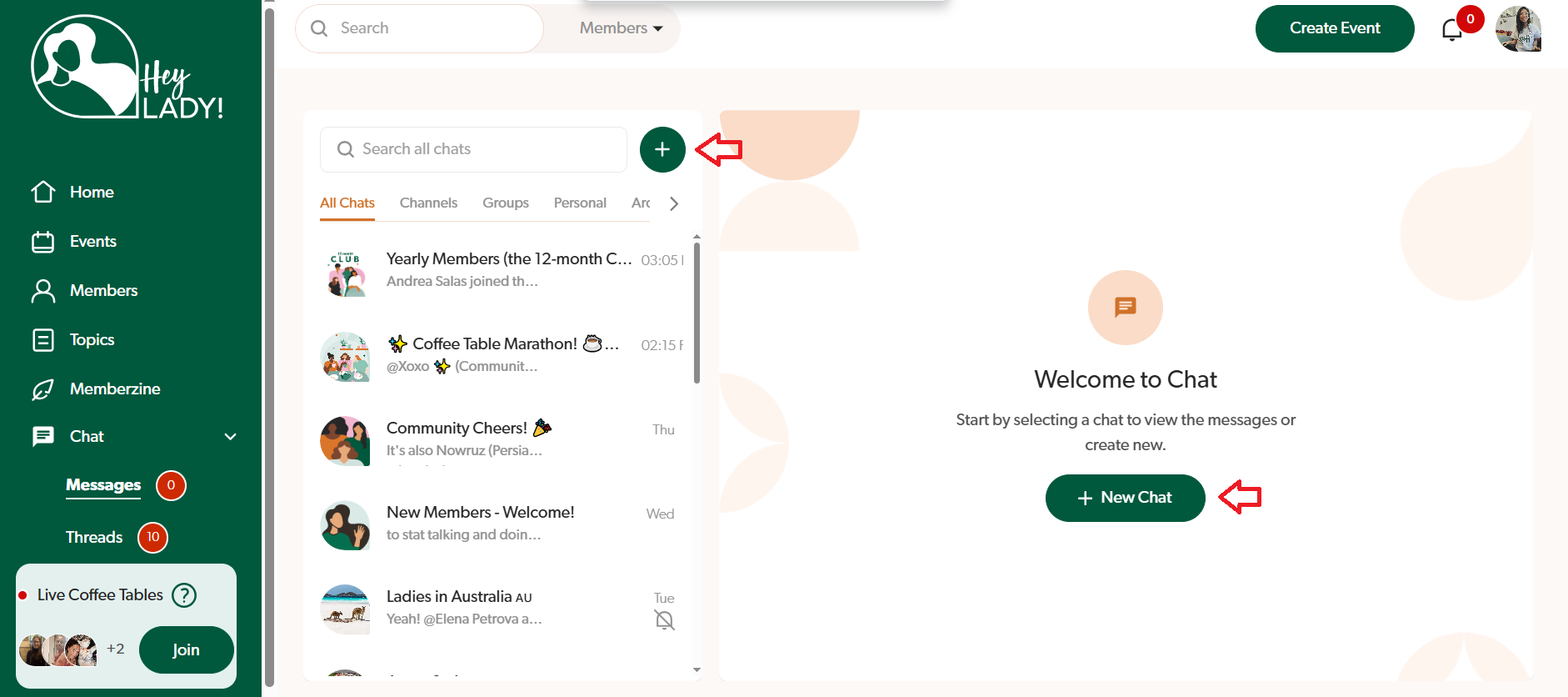
- Select Group Chat
- Upload a photo for your Group Chat
- Add a name for your Group Chat
- Click Next
- Type at least 2 members' names to add to the group chat
- Click Create Group Chat! You can now send a message and chatting with your group!
Updated on: 18/06/2026
Thank you!