
How do I improve the audio quality on calls?
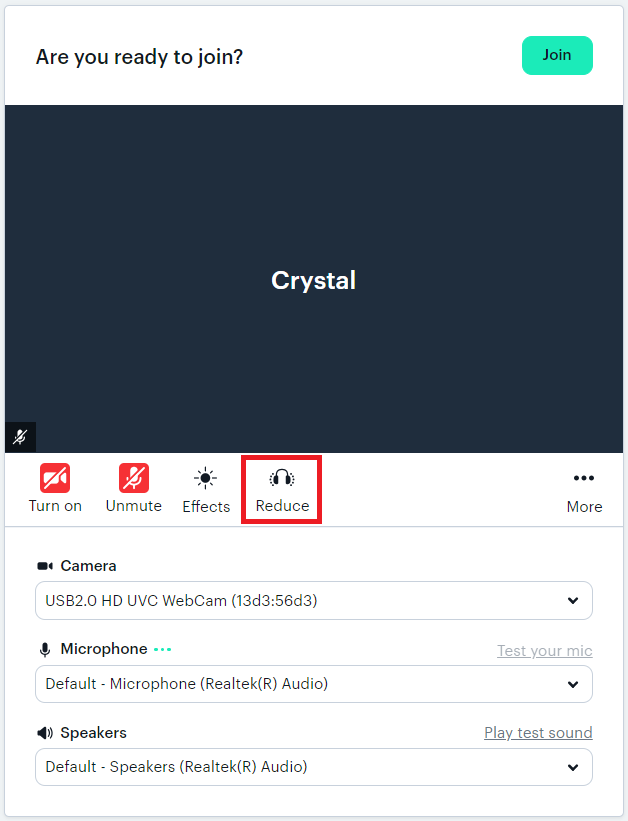
For better audio and sound quality, select “Reduce” (headset icon) in the waiting room before you join the call. This will minimise echo-ing microphones and noisy background noises!
If you forget to do this before you join, you can also turn it on in the Mic Settings during the call.
Updated on: 18/06/2026
Thank you!