
How do I start an instant video call with someone?
It's super simple to instantly start a video call with another member or group from within the Chat without the need to set up an event! Now you can practise speaking English any time with other members who are online when you are!
Members must complete all 5 onboarding steps in the Getting Started checklist, including being verified, before they are able join and start instant video calls within the Chat.
- Find the member or group you want to call inside Chat and click the green Start button.

- Click Start Call to confirm.
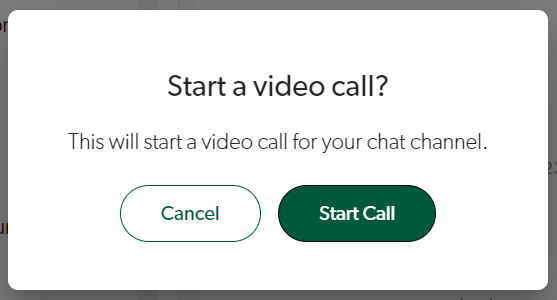
- You will then enter the video call.
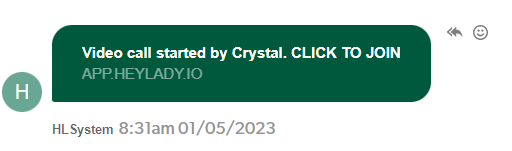
- The other member(s) will receive this notification message in their Chat and be able to join the call by clicking the link provided.
Updated on: 18/06/2026
Thank you!